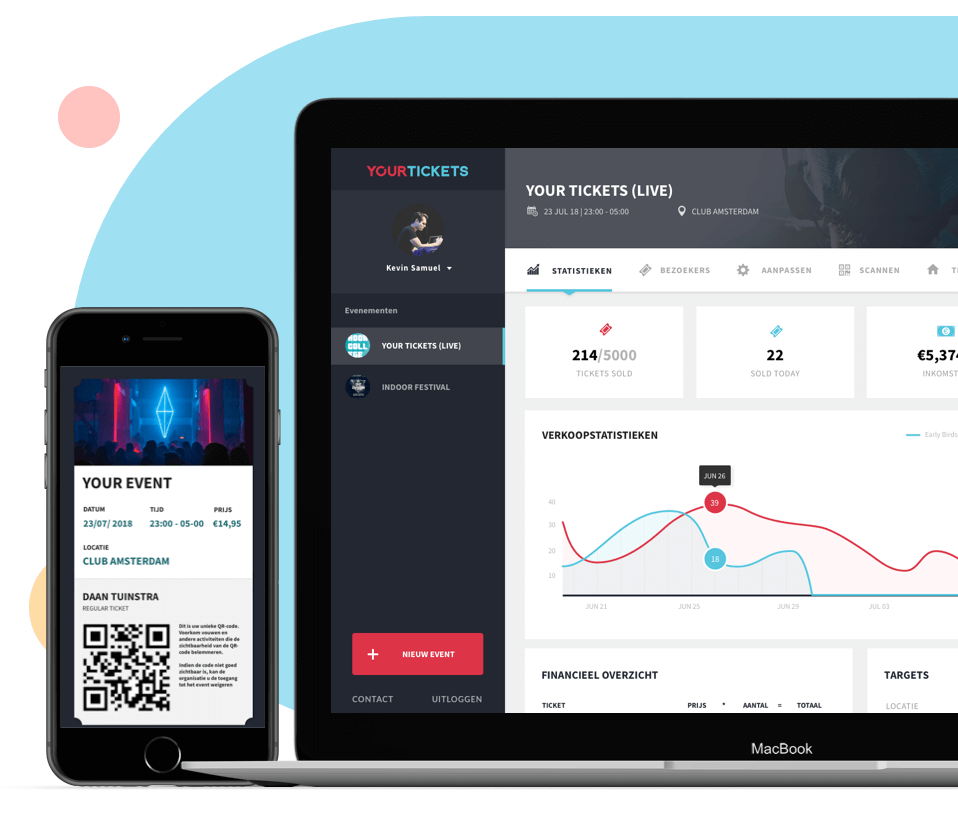
Sell tickets with Yourtickets
Download, log in, and scan tickets!
Fast and easy ticket scanning
Visitors who buy tickets (including guest list tickets) automatically appear in the scan app.
Scan QR codes from mobile or paper, check who’s already inside, and prevent delays by manually checking in visitors who’ve lost their ticket — all with one tap. The app works online and offline, and syncs automatically as soon as you're back online!
Log in with your Yourtickets account, select the right event, and start scanning tickets. Avoid queues and speed up check-in by using multiple scanning devices simultaneously.
Click the button below to download the Scan App or sign up >
Benefits of the Yourtickets Scan App: